

About Golf Hit
Golf Hit begins with a small timing decision and lets the landscape reveal its consequences. You launch a golf ball, watch its flight and rebounds, and receive coins from the attempt. The immediate challenge is distance: how much farther can this swing carry than the last? Conventional golf accuracy still appears through rewarding special shots, but the larger progression is built around increasingly powerful launches.
Coins feed back into three attributes: strength, speed, and bounce. Those upgrades change what the next attempt can achieve, while bunkers, water, trees, and buildings complicate the journey. Distance milestones also open golfer appearances. A productive session therefore involves two kinds of improvement: making the launch input more consistent and investing the rewards from those launches.
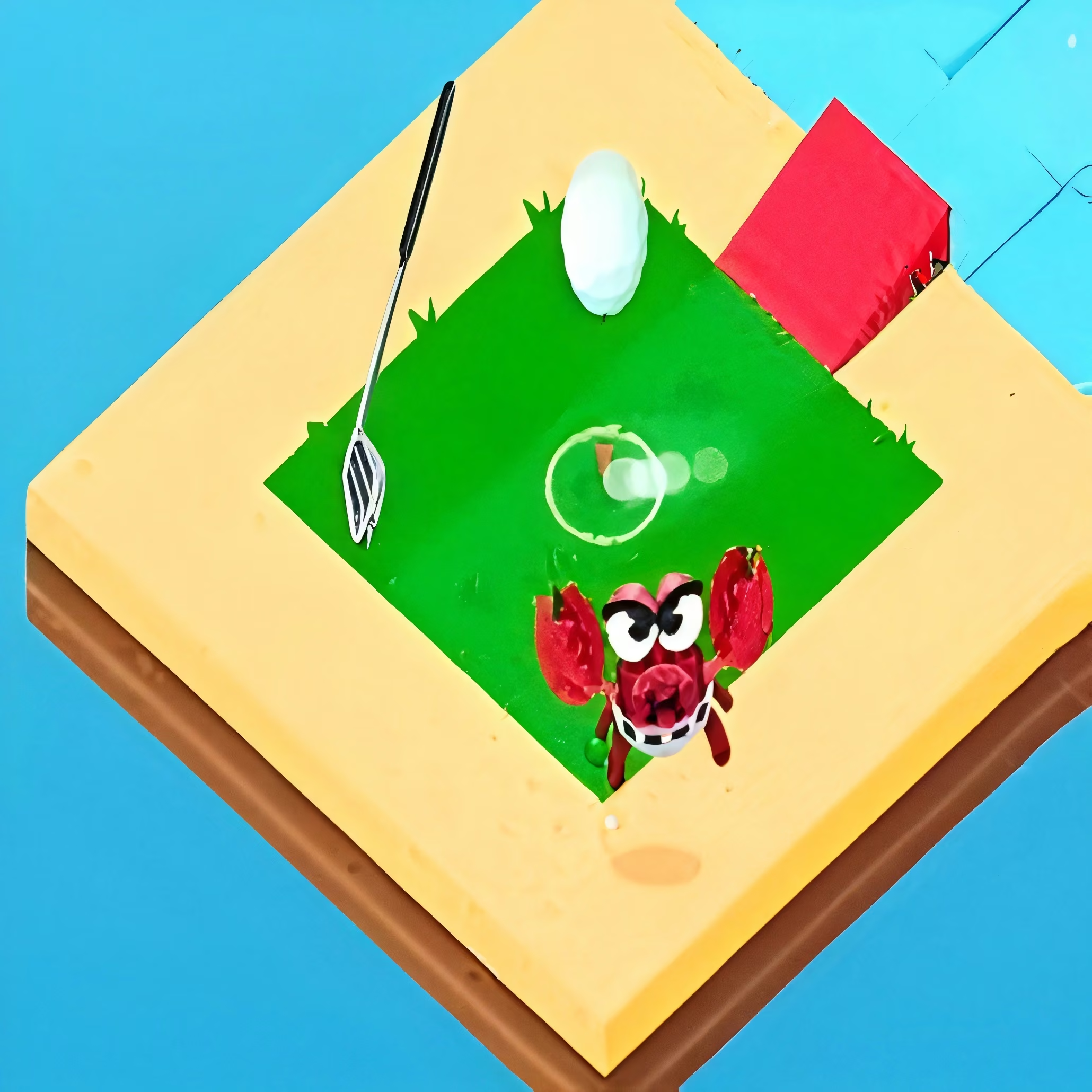
The game screen brings those goals together. The distance readout and progress bar show how far a shot has travelled, while the upgrade panel sits beside the golfer. In a fresh game, the first appearance target is shown at 200 ft. Treat the target as a milestone to work toward, not as a requirement to finish before you can keep playing.
Unlike a round where every hole demands a separate club selection, Golf Hit focuses on the result of one launch at a time. A ball that lands early can still cover useful ground through its rebounds. That makes the whole journey worth watching: the first impact is not necessarily the end of the shot.
How to Play Golf Hit
Click or tap to hit the ball at the right moment. Let the attempt finish, collect its reward, and use coins to strengthen later shots. Your next target is a better distance, supported by cleaner timing and useful upgrades.
- Study the launch indicator and choose the moment for the swing.
- Watch where the ball travels and where it loses momentum.
- Collect the attempt reward and review strength, speed, and bounce.
- Purchase an affordable improvement and take another shot.
Before your first swing: Look for the coloured launch indicator beside the golfer and the three upgrades on the left. The number at the top is your available coin balance. Click or tap in the play area to make a shot; avoid the upgrade and other on-screen buttons when you intend to swing.
During the shot: Follow the ball until it comes to rest. Distance can continue to increase after the first landing, so wait for the result instead of judging only the initial flight. The terrain encountered along the way can change where the ball stops, even when two launches look similar at the start.
After the shot: The result screen shows what you earned. Select Collect to return to the golfer, then compare your coin balance with the prices beside the upgrades. If you cannot afford the improvement you want, take another shot and save the reward. An occasional shorter attempt still contributes to the next purchase.
When you reach a milestone: Watch the progress indicator for the next distance target. A fresh game displays a new golfer at 200 ft. As your shots improve, you can unlock new appearances while using coins to purchase performance upgrades.
Controls & Timing
The launch window
The coloured fan beside the ball helps you time the shot. Focus on it before clicking or tapping and use the feedback shown by the game to compare your attempts. Practise a few swings before buying an upgrade so you can recognise a clean launch and use it as a baseline.
Flight and rebound
The first landing is part of the attempt rather than the whole result. A shot can travel farther as the ball bounces, while terrain and obstacles can interrupt its progress. When comparing attempts, notice both the initial flight and the final distance. A good launch followed by a difficult landing is different from a shot that started poorly.
Coins and distance milestones
Shots award coins that can fund further development, and longer distances can increase the reward. Birdie, eagle, and albatross outcomes can also bring extra rewards. The distance bar tracks a separate goal: reaching milestones to unlock golfer appearances. Check the current target in the game, since later milestones can differ from the first one.
Controls
| Input | Action | When to use |
|---|---|---|
| Left mouse click | Hit the ball. | Time the shot at the launch indicator. |
| Tap | Hit the ball with touch input. | Use the same launch timing on a supported touch build. |
| Click an upgrade | Purchase an available improvement. | Between attempts, after checking its coin price. |
For a normal shot, use the game area rather than one of the menu buttons. On a touchscreen, tap once to make the same main action when the embedded version supports touch. If the game does not respond, click inside the player first and check that the game has finished loading. The fullscreen control below the player can make the game area easier to see.
The game may show optional video-marked upgrade offers alongside the regular coin prices. Choose the regular upgrade when you want to spend coins; a video-marked offer is a separate option.
High Score Tips
- Keep a timing baseline. Try to reproduce a clean launch before judging a purchase. Comparing one weak shot with one well-timed shot can make an upgrade appear more dramatic than it is.
- Observe the limiting phase. Notice whether the attempt begins weakly, loses speed during travel, or stops soon after landing. That observation gives you a practical reason to review the relevant upgrade.
- Budget for an actual purchase. Look at current prices instead of assuming the same number of shots always buys an improvement. Spend with a specific attribute in mind.
- Treat hazards as feedback. A poor landing does not mean your timing was necessarily wrong. Separate the quality of the initial swing from what happened when the ball reached the terrain.
- Compare a small group of shots. Try several attempts with the same upgrades and note the rough range of final distances. After buying one improvement, compare another group. Individual landings vary, so a single record or a single poor bounce is weak evidence on its own.
- Choose strength for the launch. Strength is the most direct place to look when you want a more powerful hit from the golfer. Buy it when it fits your budget, then repeat a few comparable swings before deciding whether to buy more.
- Consider speed and bounce for different reasons. Speed is described in the game as making the ball fly faster; bounce increases how far it rebounds. If the ball reaches the ground with room to keep moving, bounce may be worth trying. Results vary with timing and landing, so compare a few shots before deciding what to upgrade next.
- Use milestones as checkpoints. If the current target is close, keep practising the launch and buy improvements you can afford. A new appearance marks progress, while the next attempt remains an opportunity to earn coins and improve your personal distance.
- Let the result screen settle. Collect the reward before planning the next purchase. An impressive-looking flight can end with a modest result, while a lower shot can benefit from extra rebounds. The final distance and reward tell you more than the first few seconds alone.
Key Features
- Distance-led golf. Progress centres on how far a single shot travels.
- Three upgrade paths. Strength, speed, and bounce affect different parts of the attempt.
- Special-shot rewards. Birdies, eagles, and albatrosses can add rewards to the normal distance loop.
- Milestone appearances. Longer-distance achievements unlock additional golfer looks.
Frequently Asked Questions
What is the main objective?
Send the ball farther with a well-timed swing. Distance earns rewards, and those rewards support stronger future attempts. You are developing a repeatable launch rather than working through a conventional golf scorecard.
What do the upgrades change?
Strength improves the golfer’s hitting power, speed affects ball travel, and bounce improves rebounds. Review all three instead of treating every upgrade as a different name for the same effect.
Does a short shot still help?
Shots provide coins that contribute toward future upgrades. A disappointing attempt is also useful for identifying a late input or an unfavourable landing, so examine the result before immediately swinging again.
How do I unlock golfer appearances?
Reach the game’s displayed distance milestones. The appearance collection is a progression reward; the named strength, speed, and bounce purchases are the separate tools for improving shot performance.
Should I keep clicking while the ball flies?
Focus on timing the hit, then watch the ball’s flight and rebounds. Repeated clicks during the flight are not needed to take the shot.
Which upgrade should I buy first?
The best choice depends on the part of the shot you want to improve. Strength improves the golfer's hit, speed affects the ball's flight, and bounce helps it travel after landing. Start with an affordable upgrade, then compare several attempts before spending again.
Why did a shot stop before my best distance?
The launch and the terrain both matter. Compare the timing feedback with the ball's flight, first landing, and later rebounds. A short result after an obstacle does not by itself prove that the upgrade you chose was ineffective.
How do I collect coins after a shot?
Wait until the ball stops and the result appears, then select Collect. The coin balance is displayed on the game screen, and each regular upgrade shows a price. Save across multiple attempts if the next purchase costs more than your current balance.
Can I play Golf Hit on a phone?
Tap the game area after it loads to take a shot. Touch support can vary by device and browser. You can also use the Fullscreen button under the player if a larger view is useful.
Will my progress remain if I clear browser data?
Progress may be stored by the embedded game provider in your browser. Clearing site data, changing browsers, or using private browsing can affect saved progress. The provider controls its own storage, so this site cannot guarantee that a save will transfer between devices.