



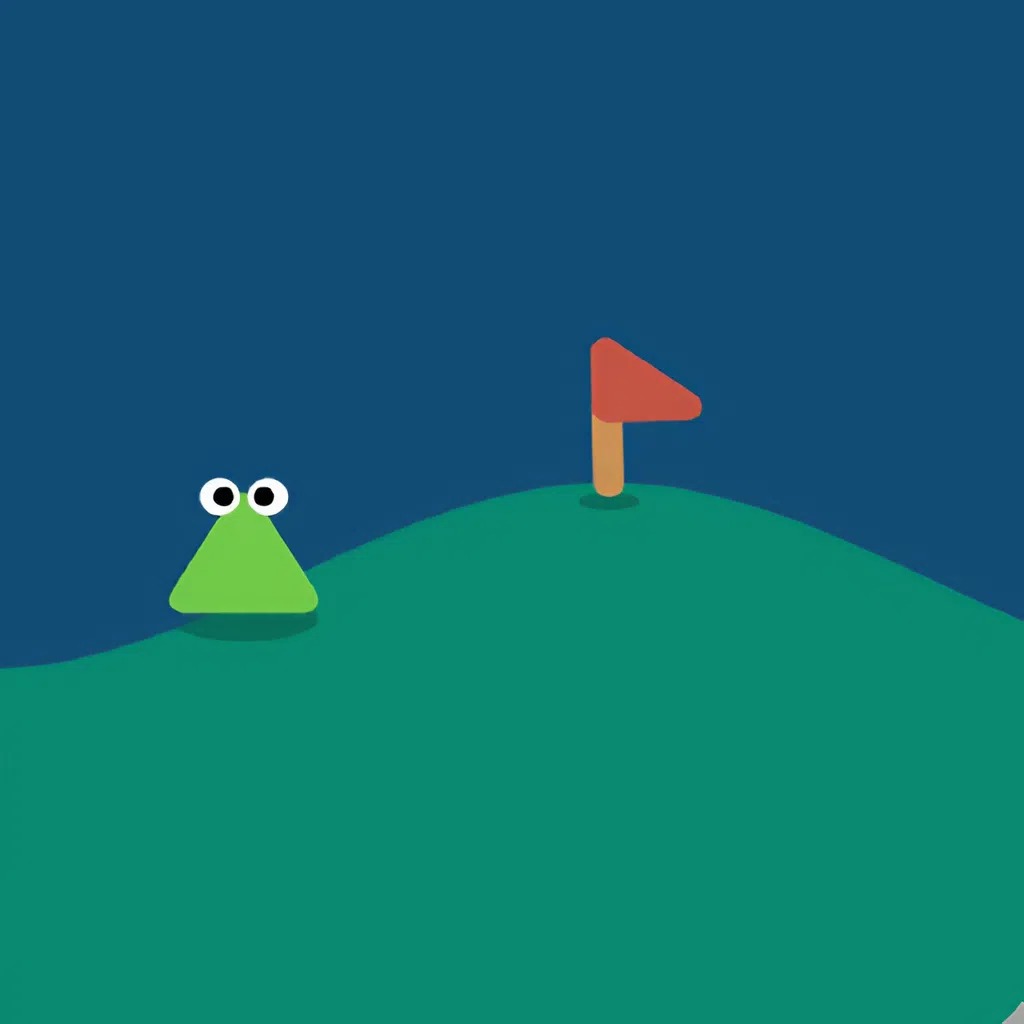
About Golf Orbit
A spectacular drive is only part of Golf Orbit. The ball can cover a long stretch of terrain, yet getting closer to a hole still creates a different kind of decision: how to finish accurately after the ambitious opening swing. Its arcade approach makes timing and progression more important than reproducing a full real-world golf routine.
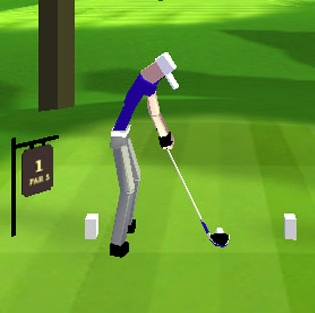
The moving indicator gives the first shot its immediate challenge. A click near the favourable green region produces stronger contact, while coins support upgrades between attempts. Watching a ball bounce across obstacles is also an opportunity to understand the route. The useful question is not simply whether a shot looked impressive, but whether the launch and its eventual landing helped your overall progress.
How to Play Golf Orbit
Click at the launch indicator to hit the ball, then observe its travel. Use the shot rewards for improvements, and approach the hole carefully when the game presents a finishing shot.
- Wait for the timing indicator and commit a deliberate click.
- Follow the flight and note the effect of terrain contact.
- Use the available aiming prompt when approaching the hole.
- Review rewards and available performance improvements before repeating.
Controls & Timing
Two scales of accuracy
A distance shot rewards a strong launch, while a nearby target demands restraint. Avoid carrying the same aggressive timing instinct into every stage of an approach.
A green-zone decision
The moving arrow provides a visible reference for the swing. Repeatedly clicking without reading it prevents you from learning which timing produces useful contact.
Improvement between attempts
Coins let you develop the golfer’s performance. Evaluate a purchase across several comparable launches, because a single unusual rebound can distort the result.
Controls
| Input | Action | When to use |
|---|---|---|
| Left mouse click | Strike at the launch indicator. | When the indicator reaches a favourable region. |
| Mouse movement | Adjust a close-range aim when that prompt appears. | During an approach to the hole. |
| Click menu options | Select available upgrades. | After reviewing earned currency. |
High Score Tips
- Separate the drive and finish. Think about the current target before inputting a shot. A hole nearby calls for placement; an opening launch calls for efficient distance.
- Track where momentum disappears. A ball that starts strongly but stops after a collision presents a different problem from one that barely leaves the golfer. Observe both stages when deciding what to improve.
- Use the same visual reference. Choose one part of the indicator to watch. Switching attention between the character, arrow, and background makes the launch decision harder to reproduce.
- Keep upgrades purposeful. Read the current menu labels and costs. Buy for the limitation you have observed rather than assuming the most expensive option must always be the next best choice.
Key Features
- One-button launch. The opening swing depends on a small, readable timing action.
- Distance progression. Longer travel feeds the reward and improvement cycle.
- Golf targets. Reaching and finishing near a hole adds an accuracy objective.
- Terrain reactions. Bounces and obstacles keep the result connected to the course.
Frequently Asked Questions
How do I make a strong opening shot?
Watch the moving indicator and click near its favourable green section. Practise identifying that section consistently before treating every short result as evidence that your golfer needs another upgrade.
Is the goal only to hit the ball far?
Distance is central, but the game also includes golf-hole targets. When the ball reaches an approach, pay attention to the aiming prompt rather than assuming every shot is another maximum-distance drive.
What should I learn from a bad attempt?
Distinguish the launch from the landing. Weak initial contact suggests a timing problem, while a strong flight interrupted by terrain gives you information about the route and rebound.
Why do upgrades matter?
Rewards can improve future shot performance, allowing the same basic timing action to produce a longer journey. They support your execution; they do not remove the need to read the indicator.
Are new looks the same as stronger shots?
Appearance choices and performance improvements are different decisions. Use the upgrade menu’s actual description when looking for more distance, and choose visual options for their look unless a specific effect is stated.